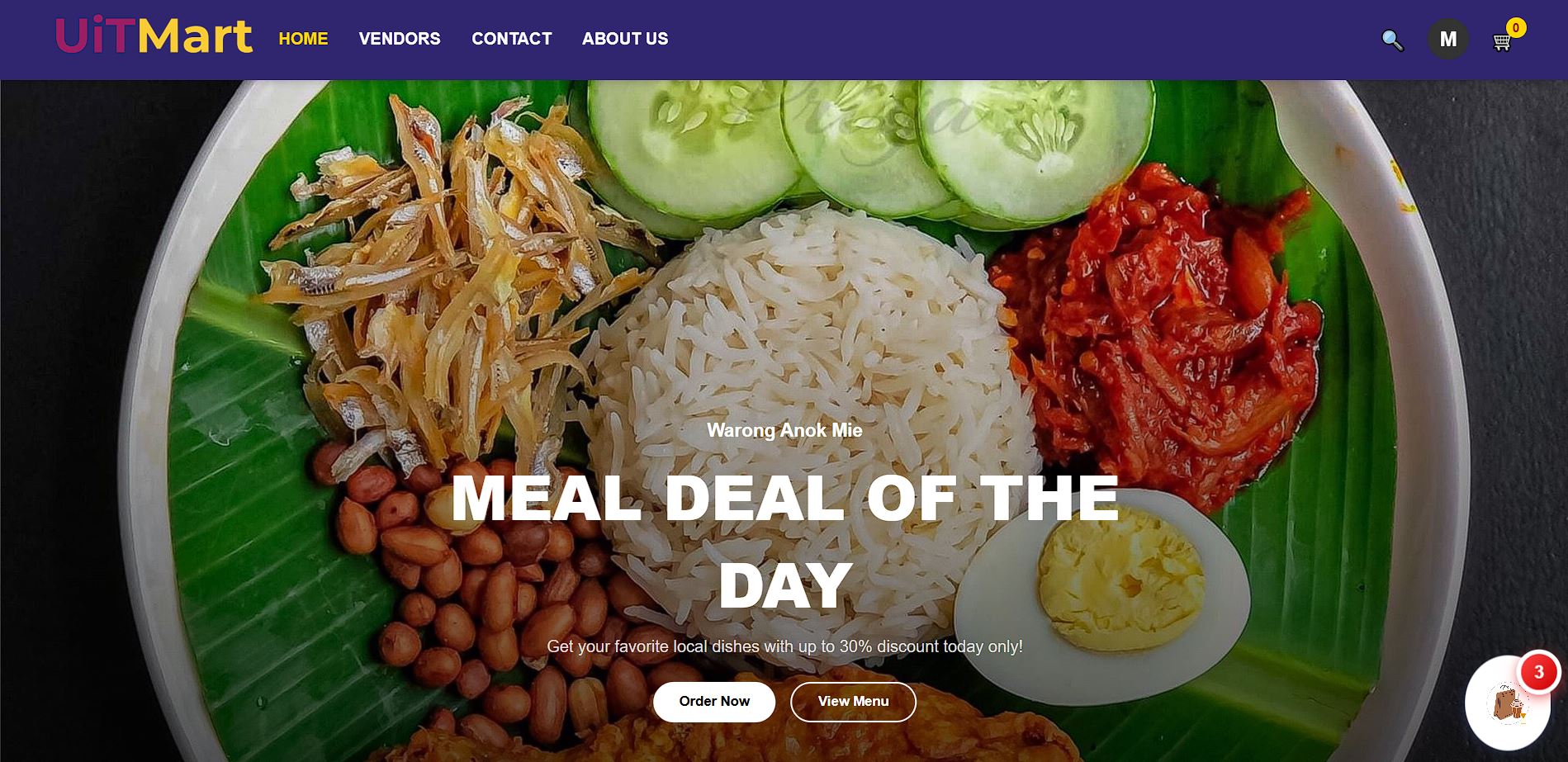
UiTMart Ordering Platform
A multi-vendor online food ordering platform developed specifically for the UiTM Terengganu Branch Kuala Terengganu Campus (UiTMCTKKT) community to streamline food transactions previously managed manually.
target Project Objectives
Identify Requirements
Analyze and compile the functional requirements for the UiTMart multi-vendor food ordering system based on campus user behavior.
Design & Develop
Develop an integrated web portal using PHP, JavaScript, and MySQL connecting Customers, Vendors, and Administrators.
Evaluate Usability
Test system functionality and evaluate user acceptance using the System Usability Scale (SUS) instrument to ensure optimum quality.
report_problem Problem Statement
Manual Ordering Process
Users had to contact individual vendors manually using WhatsApp messaging or phone calls.
Miscommunication
Lack of standardized order forms led to misunderstandings in quantity, dish specifications, and pricing.
Manual Menu Updates
Vendors shared static image menus without real-time stock status, leading to orders for out-of-stock items.
Poor Data Management
Sales records, payment histories, and business analytics were logged manually or scattered across platforms.
Limited Administrative Monitoring
University administration (JPK) lacked visibility over vendor conduct, platform commissions, and overall sales.
verified Key System Features
groups System User Roles
Customer
- chevron_right Register & manage customer profile account.
- chevron_right Browse vendors, search & filter product menus.
- chevron_right Place food orders & make digital payments.
- chevron_right Track real-time order status & view transaction history.
- chevron_right Submit reviews and ratings for products & services.
Vendor (Merchant)
- chevron_right Manage store profile, products & update menus.
- chevron_right Receive incoming customer orders & update fulfillment status.
- chevron_right Manage store discounts, promotions, and vouchers.
- chevron_right View sales analytics, revenue graphs & records.
- chevron_right Monitor platform commissions and sales statistics.
Administrator
- chevron_right Manage customer accounts & approve vendor registrations.
- chevron_right Monitor all platform order activities & transactions.
- chevron_right Control product categories, commission rates & reports.
- chevron_right Handle customer feedback and technical disputes.
- chevron_right Generate financial reports and overall performance analytics.
compare_arrows Business Process Improvement: Traditional vs Digital
The table below details operational efficiency improvements achieved by adopting the UiTMart platform compared to the previous manual messaging process.
| Current Process (Manual) | UiTMart Improvement |
|---|---|
| Manual account setup and store profile updates. | Centralized account registration and vendor store profiles. |
| Food menus shared as static images via WhatsApp messaging. | Digital menu management & real-time product stock updates. |
| Order confirmations prone to text message misunderstandings. | Integrated online ordering with structured order checkout. |
| Order status updates must be requested manually via chat. | Real-time visual order tracking and status progress. |
| Payment verification done by sharing receipt screenshots. | Integrated digital payment gateway with automatic status. |
| No sales activity monitoring by university administration. | Centralized administrator dashboard with detailed sales reports. |
| Informal customer feedback submitted through private messages. | Structured product reviews and rating feedback system. |
| Manual record-keeping vulnerable to lost sales receipts. | Digital transaction storage in a centralized MySQL database. |
rocket_launch UiTMart System Demonstration
The live UiTMart application requires permission access from the project owner. Please request demo access from the owner to view the full application (Customer, Vendor, & Admin panels).
Application Interface Screenshots